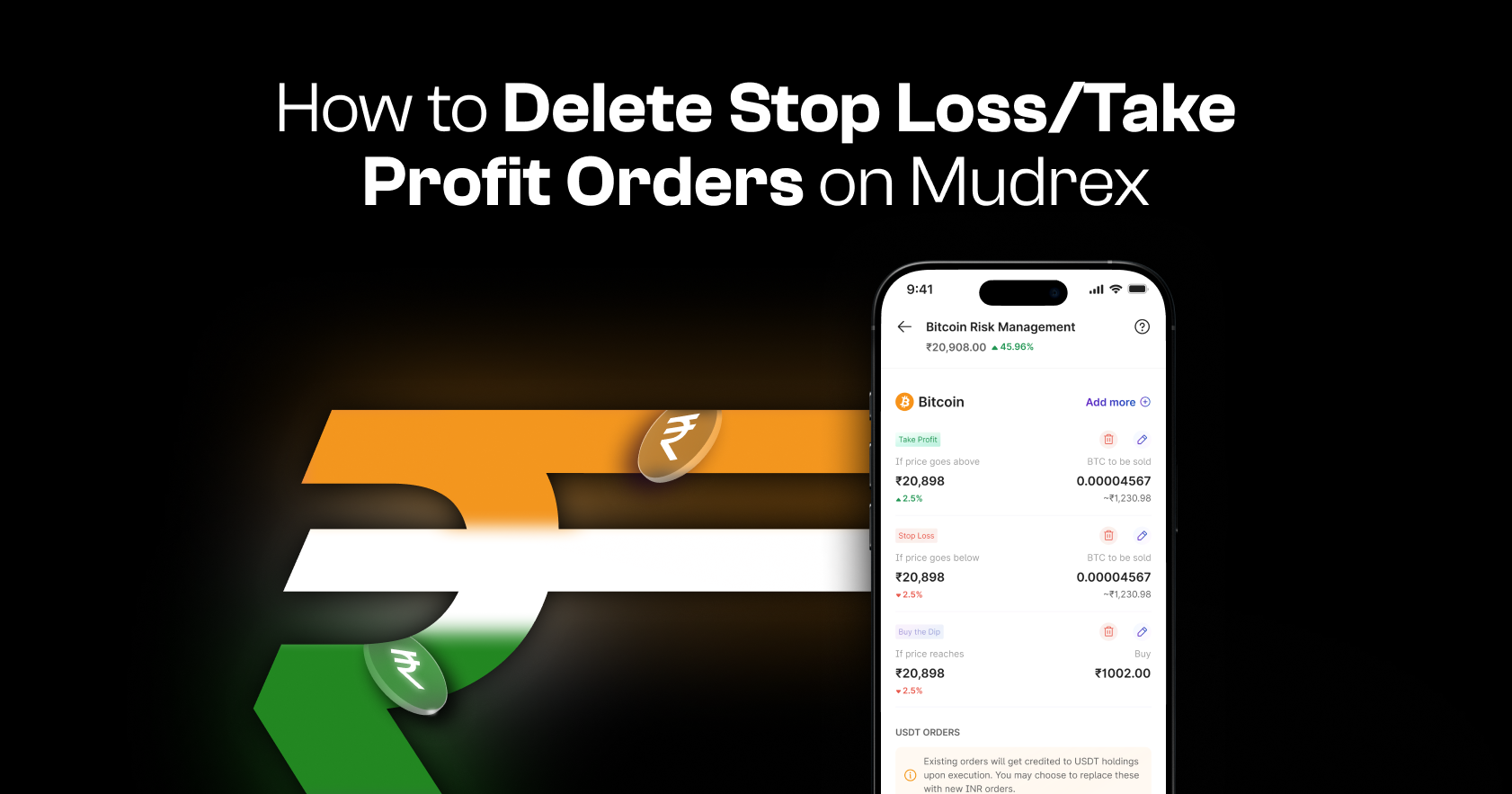
Deleting your Stop Loss (SL) or Take Profit (TP) orders on Mudrex is quick and straightforward. Follow this guide to remove active orders in just a few taps.
Method 1: Delete from Spot Holdings
Step 1: Open Spot Holdings
Launch the Mudrex app.
On the home screen, tap “Spot Holdings” from the quick actions.
You can also access it through the Overview tab under Portfolio.
Step 2: Select the Cryptocurrency
Under Spot Holdings, you will see all your holdings.
For this example, select Bitcoin.
Step 3: View Active Orders
On the asset page, switch to the “Holdings” view.
Scroll down to the “Active Orders” section.
Step 4: Delete the Order
Locate the Stop Loss or Take Profit order you want to remove.
Tap on the order and confirm deletion.
Method 2: Delete from Manage Orders
Step 1: Open Profile Section
From the home screen, navigate to your Profile section.
Step 2: Go to Manage Active Orders
Scroll down and tap “Manage Orders.”
Then select “Manage Active Orders.”
Step 3: Select and Delete the Order
You will now see all your active orders in one place.
Choose the order you want to delete and confirm the deletion.
Confirm Order Deletion
Once deleted, your Stop Loss or Take Profit order will no longer be active.
Need Help?
If you have any questions or need assistance, contact the Mudrex support team at help@mudrex.com