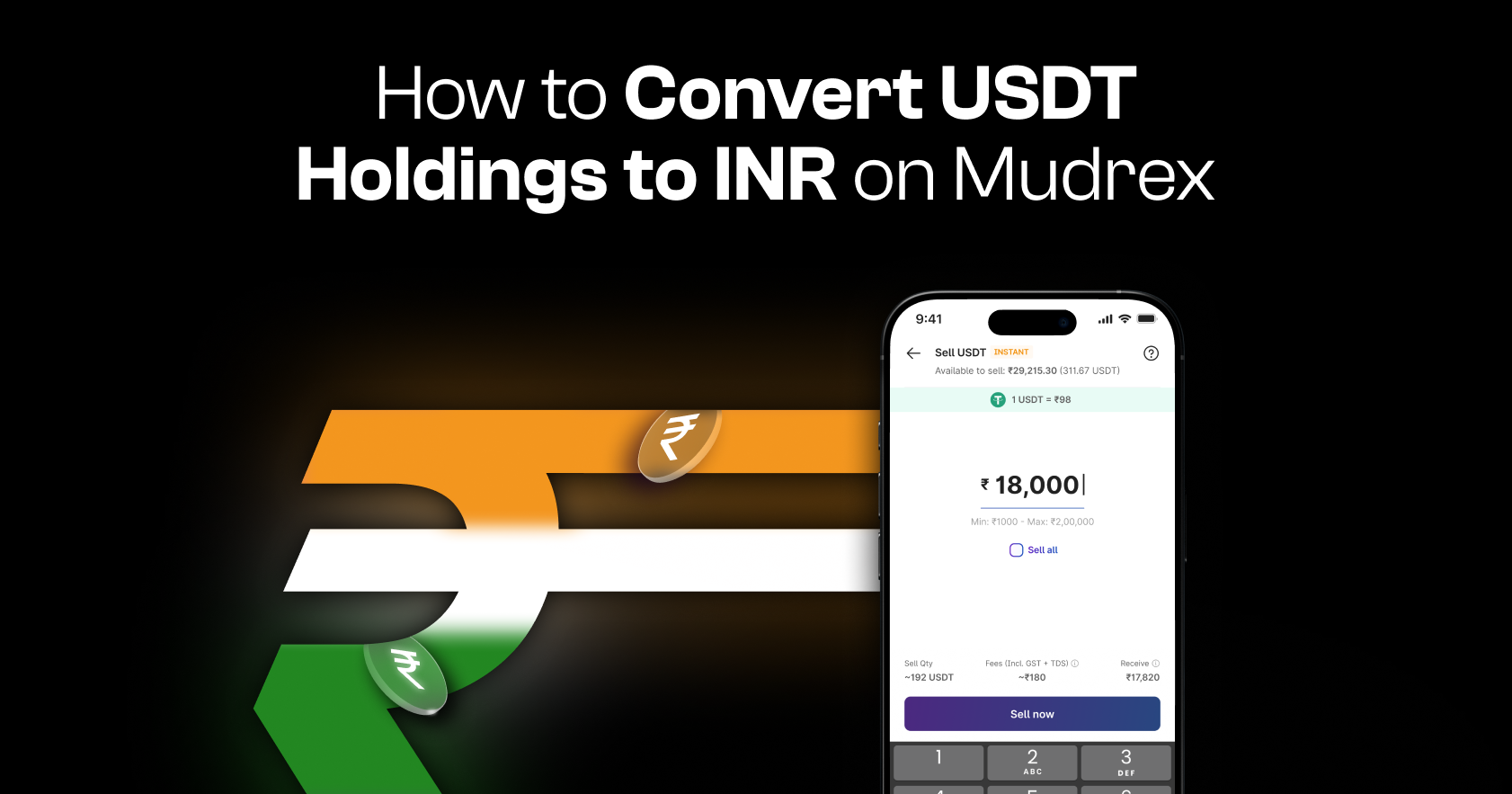
Converting your USDT to INR on Mudrex is quick and seamless. Follow this step-by-step guide to sell your USDT and receive INR directly in your account.
Step 1: Open Spot Holdings
Launch the Mudrex app and tap “Spot Holdings” on the home screen.

You can also access it through the Overview tab under Portfolio.
Step 2: Open USDT Funds
Under Spot Holdings, tap “USDT Funds” to view your current USDT balance.

This section shows your holdings and available actions.
Step 3: Tap on Sell USDT
On the USDT Funds page, you will see two options:
- Buy
- Sell
To convert USDT to INR, tap “Sell.”

Step 4: Enter USDT amount
On the next screen, you’ll see your available USDT balance.
Enter the quantity of USDT you wish to convert to INR.

Once entered, you can review:
- USDT being sold
- Applicable fees
- Final INR amount you will receive
Important: Mudrex does not charge any fees on USDT sell transactions. The only deduction applied is TDS (Tax Deducted at Source), meaning no GST is incurred on this transaction.
Step 5: Confirm and Review
Tap “Sell Now” to proceed.

You will then see a final preview showing:
- Conversion amount
- Taxes (TDS)
- Applicable fees
Review the details carefully and tap “Confirm” to complete the transaction.
Step 6: Confirm successful conversion
Once the transaction is completed, you will see the USDT Sell Successful screen.
Your converted INR will be credited directly to your INR Funds.
What can you do with INR funds?
After conversion, your INR balance is ready to use.
You can:
- Buy cryptocurrencies
- Trade INR futures on Mudrex
Need help?
If you have any questions or need assistance, contact the Mudrex support team at help@mudrex.com.