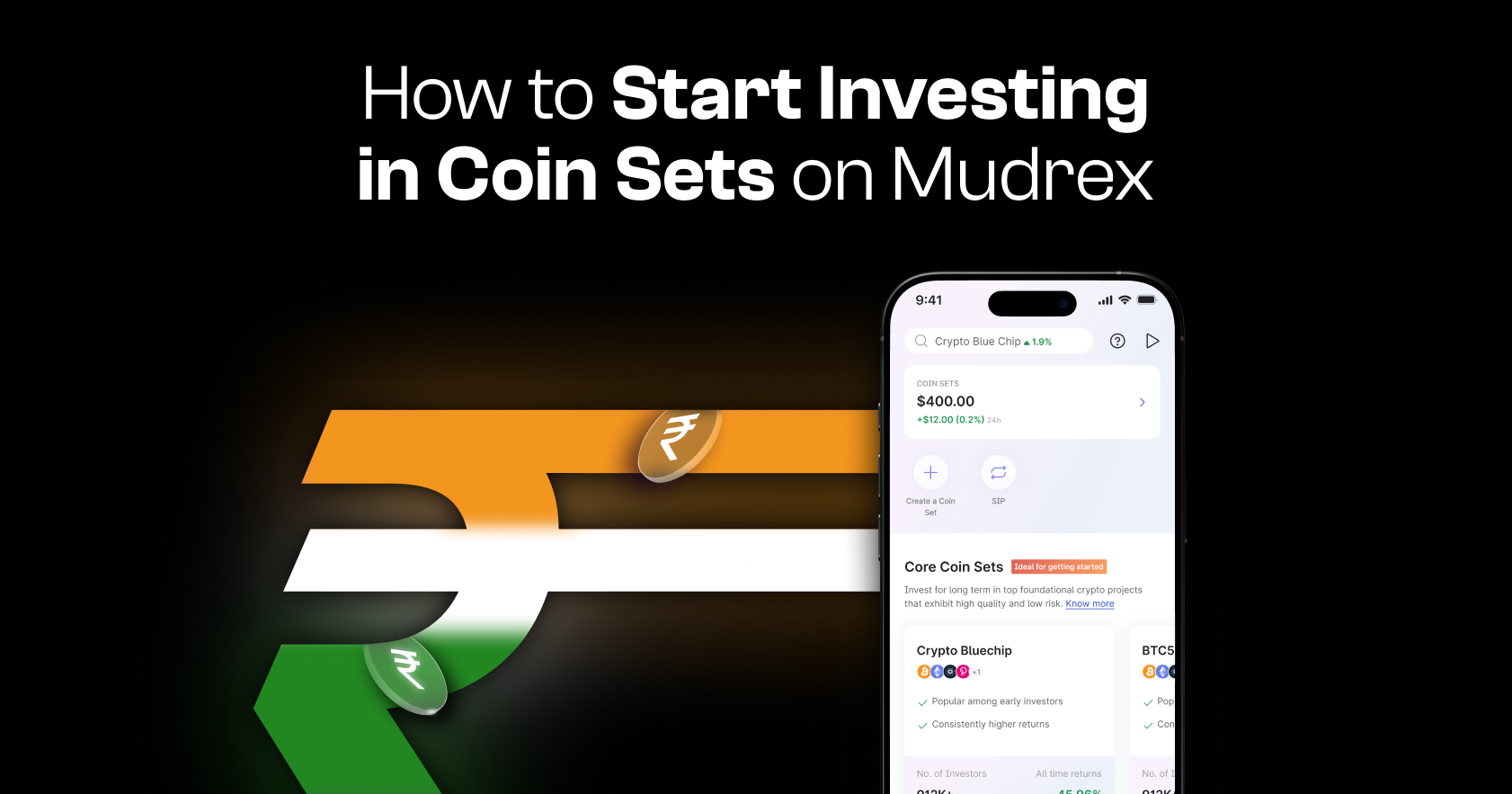
Investing in Coin Sets on Mudrex allows you to diversify your crypto portfolio with ease. Follow this step-by-step guide to get started.
Step 1: Open the Coin Sets Section
Launch the Mudrex app.
From the navigation bar, tap on “Coin Sets.”

Step 2: Explore Available Coin Sets
Once you’re in the Coin Sets section, scroll through the available options.

For each Coin Set, you can view:
- Historical performance
- Key details
- Market cap distribution
- And more insights to help you decide!
Take your time to explore and choose a Coin Set that aligns with your investment goals.
Step 3: Select a Coin Set and Tap Invest
After selecting your preferred Coin Set, tap on it to view more details.
Then tap “Invest” to proceed.

Step 4: Choose Your Investment Type
You can choose how you want to invest:
- One-time investment
- Daily/Weekly/Monthly SIP (Systematic Investment Plan)
Select the option that best suits your investment strategy.
Step 5: Enter Investment Amount
Enter the amount you wish to invest.
Important: Investments in Coin Sets are made using USDT. Make sure you have sufficient USDT balance in your account before proceeding.
Step 6: Review and Confirm Investment
Once you’ve entered the amount, you’ll see a preview of the transaction details.
This includes:
- Investment amount
- Allocation breakdown
- Applicable fees
Good to know: Coin Sets investments on Mudrex currently have zero fees.
After reviewing the details, confirm the transaction to proceed.

Step 7: Confirm Successful Investment
Once the transaction is completed, you will see the Investment Successful screen.
Your investment in the selected Coin Set is now active.
Need Help?
If you have any questions or need assistance, reach out to the Mudrex support team at help@mudrex.com.