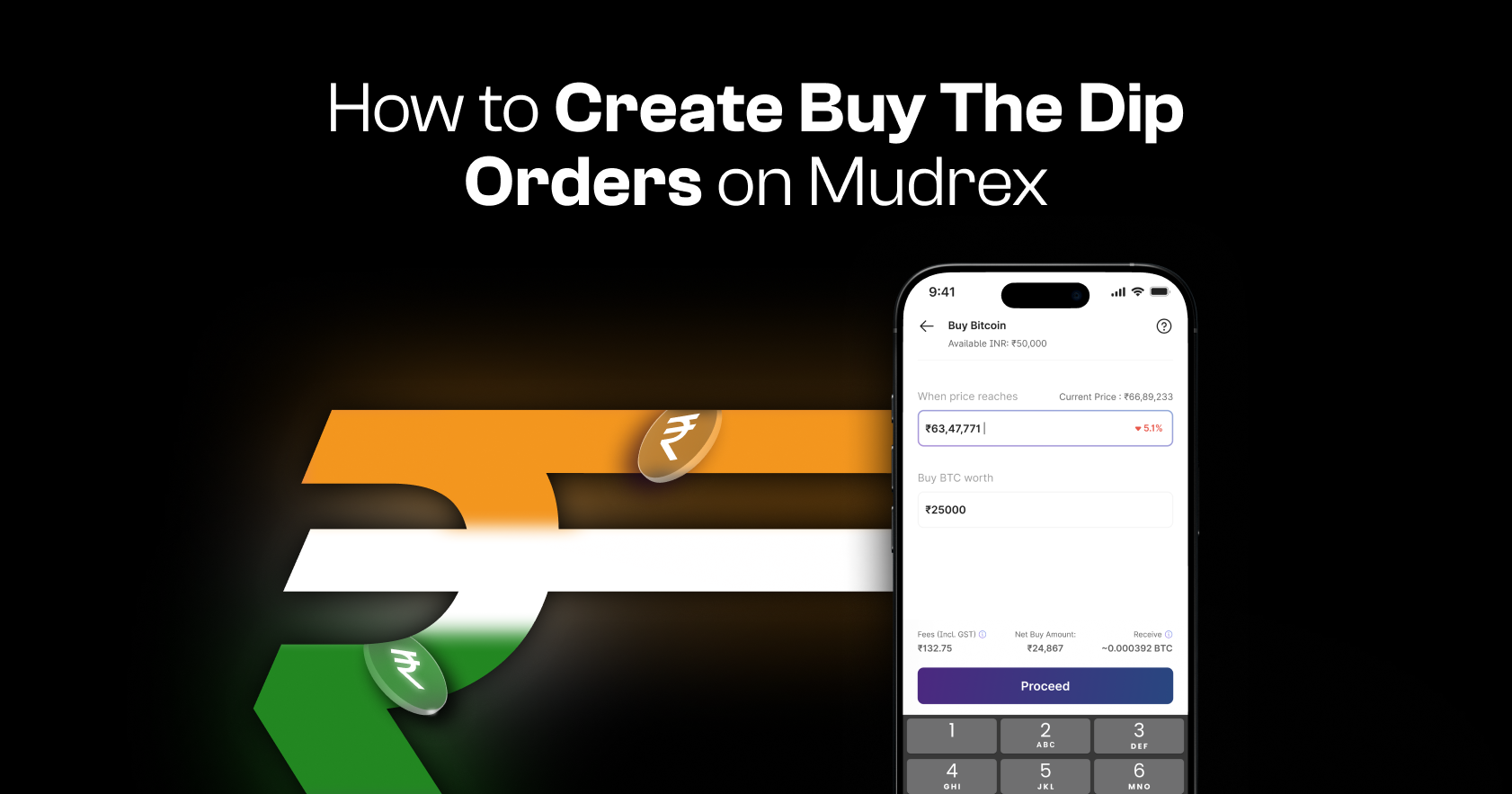
Buy The Dip orders on Mudrex let you automatically purchase crypto when the price falls to your chosen level. This is a great way to enter the market at a preferred price without constantly tracking charts.
Follow this step-by-step guide to set up your order.
Step 1: Open the Spot Section
Launch the Mudrex app.
From the navigation bar, tap “Spot.”
At the top of the page, you’ll be able to view the total value of your spot holdings.
Step 2: Select the Cryptocurrency
Scroll through the list of available cryptocurrencies.
For this example, select Bitcoin.
You can use the same process for any supported cryptocurrency.
Step 3: Tap on Buy
At the bottom of the screen, tap “Buy.” A pop-up will appear asking how you would like to buy.

Select “Buy The Dip.”
Step 4: Set Your Target Buy Price
On the next screen, enter the price at which you want the buy order to execute.

This is the market price level at which your Bitcoin purchase will be triggered.
Step 5: Enter the Buy Amount
Next, enter the amount of Bitcoin (BTC) you wish to buy.
Once entered, you’ll see a preview showing:
- Applicable fees
- Net buy amount after fees
- BTC quantity you will receive
Review the details carefully.
Step 6: Review and Confirm Order
Tap “Proceed.”
On the confirmation pop-up, review your order details once again.
If everything looks correct, tap “Confirm Order.”

Step 7: Order Created Successfully
And that’s it! Your Buy The Dip order has been created successfully.
The order will automatically execute once the market price reaches your selected level.
Need help?
If you have any questions or need assistance, contact the Mudrex support team at help@mudrex.com.