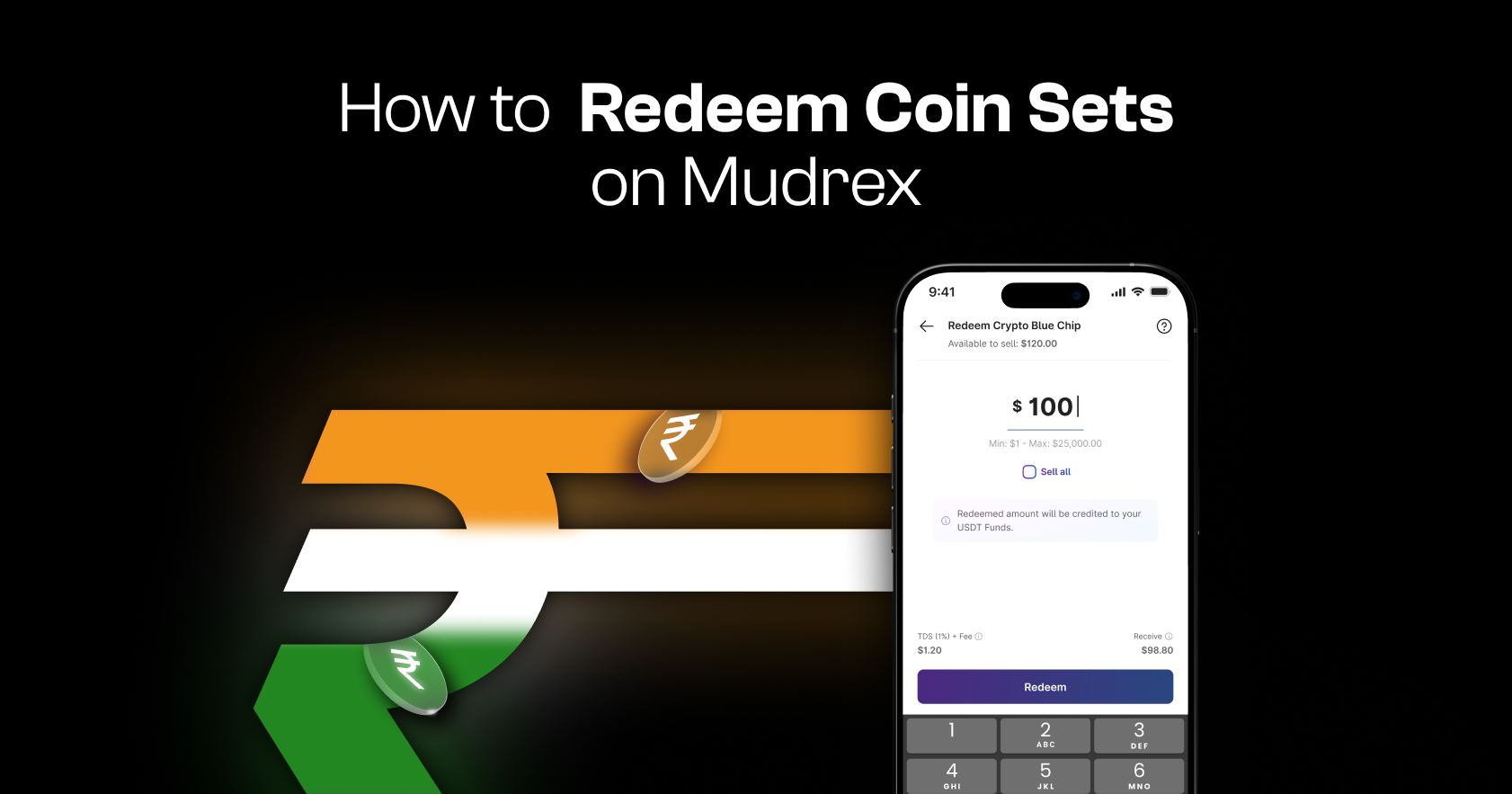
Redeeming your Coin Sets on Mudrex is quick and simple. Follow this step-by-step guide to convert your Coin Set holdings back into USDT.
Step 1: Open Your Portfolio
Launch the Mudrex app.
On the home screen, tap the Portfolio card.
Step 2: Switch to the Coin Sets Tab
Inside your portfolio, switch to the “Coin Sets” tab.
Here, you will be able to view all your active Coin Set holdings.
Step 3: Select the Coin Set to Redeem
Choose the Coin Set you wish to redeem from your holdings.
Tap on it to open the detailed holding view.
Step 4: Tap on Redeem
On the next screen, tap “Redeem.”

This will open the redemption flow.
Step 5: Enter the Redemption Amount
Enter the amount of your Coin Set holdings you wish to redeem.
Once entered, you’ll see a preview showing:
- Applicable fees
- Estimated USDT amount you will receive
The proceeds will be credited to your USDT Funds.
Note: The values shown in the preview are indicative and may vary slightly based on market conditions at the time of execution.
Step 6: Review and Confirm Redemption
After reviewing the transaction details, tap “Redeem.”
This will initiate the redemption.
Step 7: Redemption Successful
And that’s it! Your Coin Set has been successfully redeemed.
The corresponding USDT amount will be credited directly to your USDT Funds.
What Next?
Your USDT balance is now ready to use.
You can:
- Invest in another Coin Set
- Subscribe to Earn
- Trade USDT Futures
- Convert USDT back to INR
Need Help?
If you have any questions or need assistance, contact the Mudrex support team at help@mudrex.com.