The Mudrex MCP Server transforms your trading experience by allowing AI assistants like Claude to interact directly with your Mudrex account using natural language. This integration turns your AI into a powerful trading partner capable of executing orders, managing risk, and analyzing market data in real-time without you ever leaving the chat interface.
What is Mudrex MCP Server?
The Mudrex MCP Server is an MCP-compatible server that exposes Mudrex Trading API functionality through the MCP. This allows AI assistants and developer tools that support MCP to interact directly with Mudrex trading features.
Through the Mudrex MCP Server, users can fetch account data, place and manage orders, access market data, manage positions, transfer funds, and update trading settings using MCP calls instead of directly integrating REST APIs.
In simple terms, Mudrex MCP converts Mudrex Trade APIs into MCP tools that AI assistants can call. Mudrex MCP enables programmatic and AI-driven access to your Mudrex trading account.
Here is how you can set up the Mudrex MCP Server to connect your trading account with Claude and start executing trades using natural language.
API Key Creation
Step 1: Go to the Mudrex API page: Mudrex – Best Crypto API Trading Platform
Step 2: Start with your Verification
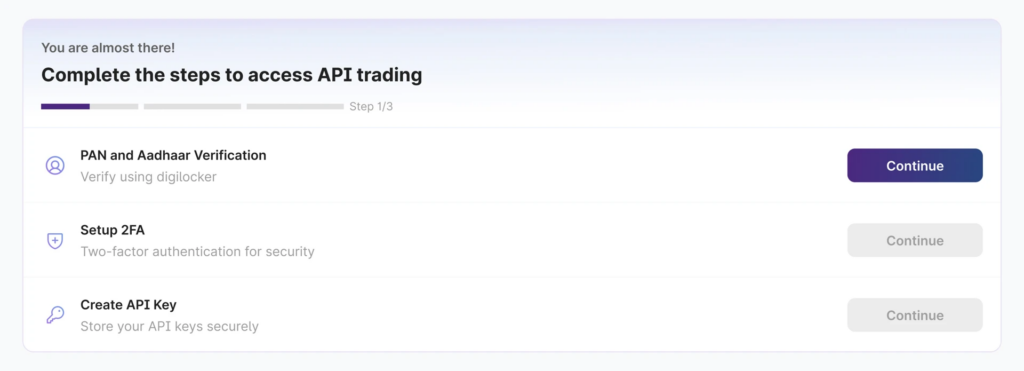
Step 2: Complete your 2FA
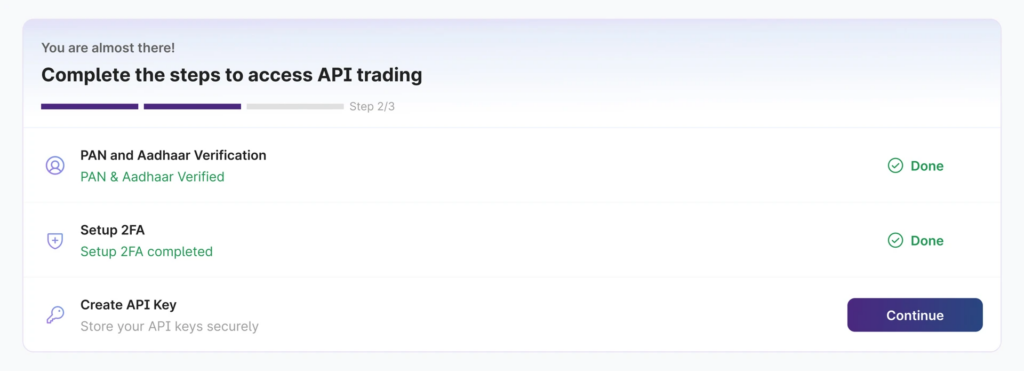
Step 3: Create your API Key
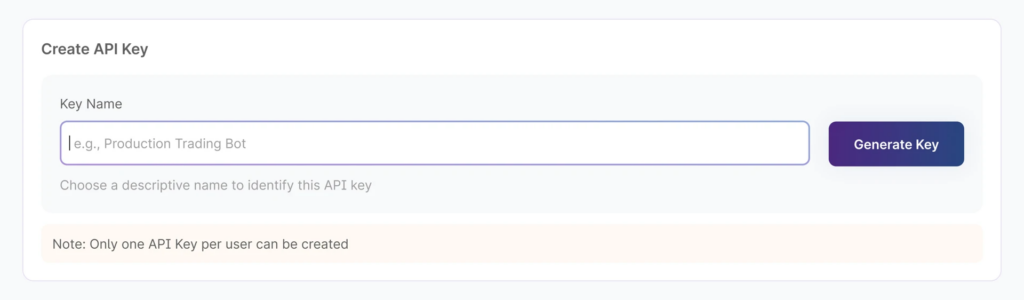
Copy API Key & Secret
Copy both values and store them securely. The secret is displayed only once. Use the API Secret in the X-Authentication header for every request.
Setting Up Mudrex MCP Server with Claude
Prerequisites
Install Node.js
- Download and install Node.js from nodejs.org
- Verify installation by opening Command Prompt and typing node –version
Configure Claude Desktop
- Open Claude Desktop application
- Go to Settings (gear icon)
- Click on Developer in the left sidebar
- Click Edit Config
- Add the following configuration:
{
  "mcpServers": {
    "mcp-futures-trading": {
      "command": "npx",
      "args": [
        "-y",
        "mcp-remote",
        "https://mudrex.com/mcp",
        "--header",
        "X-Authentication:${API_SECRET}"
      ],
      "env": {
        "API_SECRET": "<your-api-secret>"
      }
    }
  }
}
What can you do with Mudrex MCP?
Mudrex MCP lets you connect AI agents like Claude Code directly to your Mudrex trading account, enabling you to query account data, manage positions, control risk, and execute trades using natural language.
Once you have funds in your Mudrex Futures wallet, you can try out some of the below given practical use cases that MCP supports:
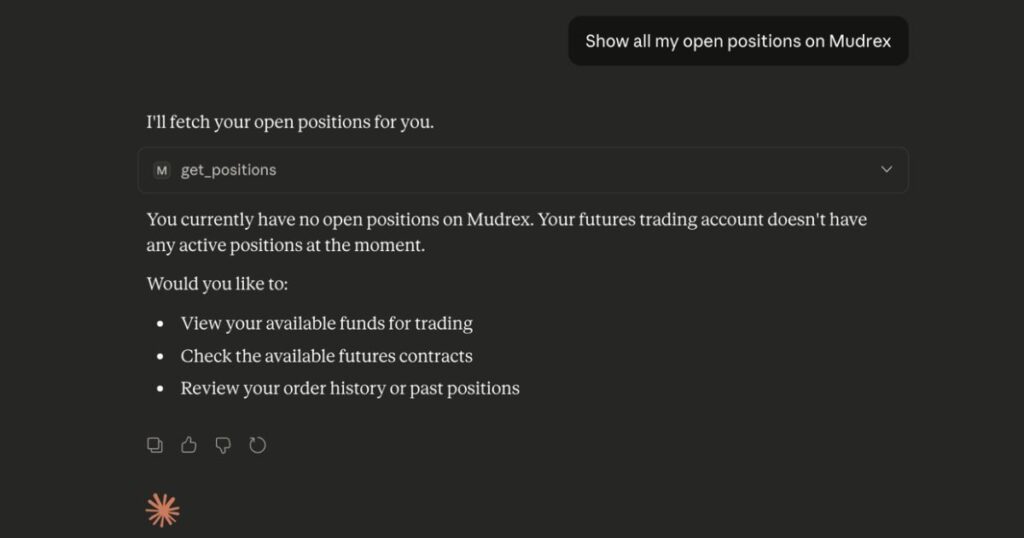
1. View Open Positions
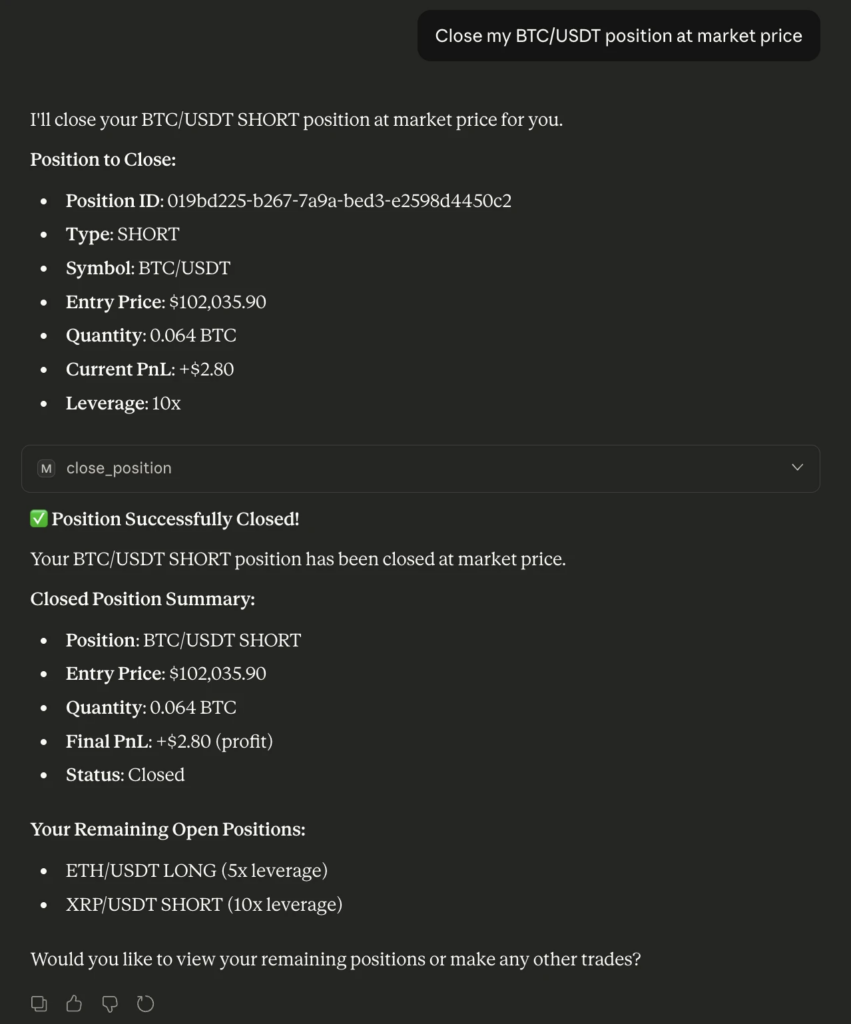
2. Close an Open Position
Exit a trade fully when your strategy or market view changes.
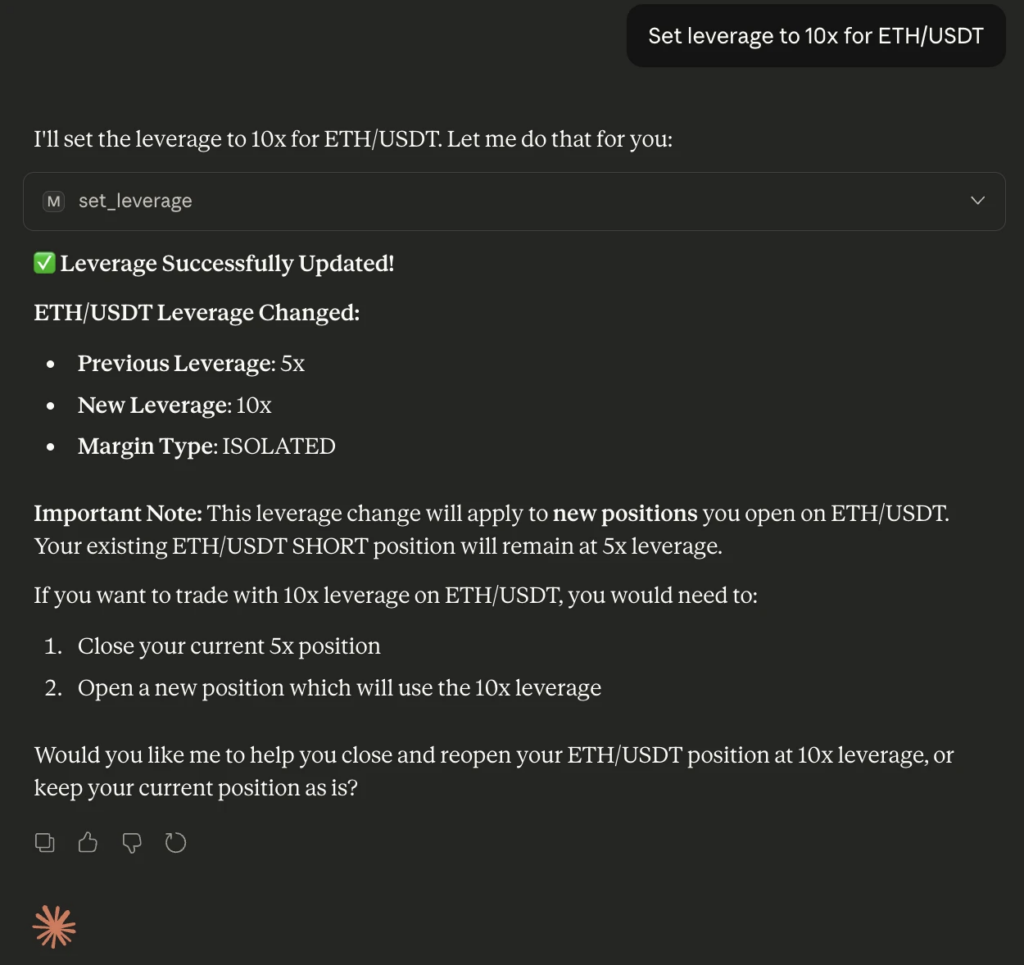
3. Change Leverage
Increase or reduce leverage based on risk appetite.
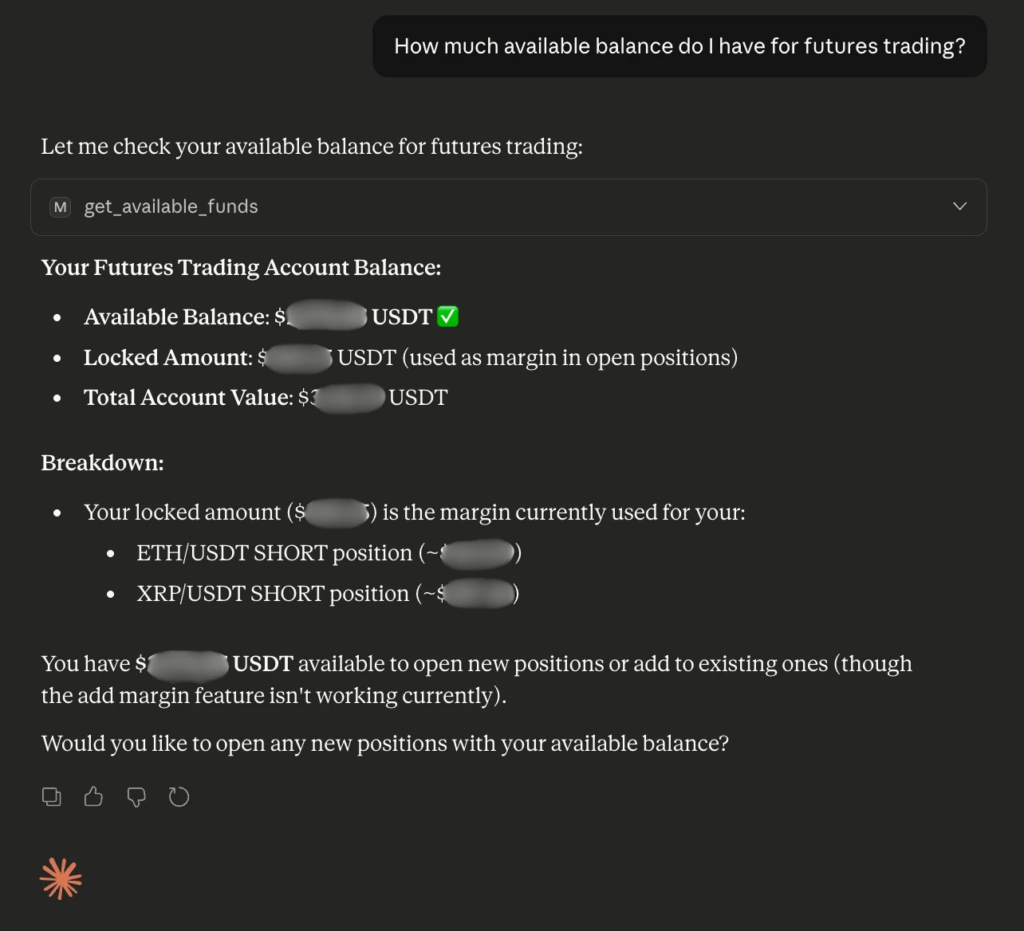
4. View Available Funds
Check how much balance is available for new trades.
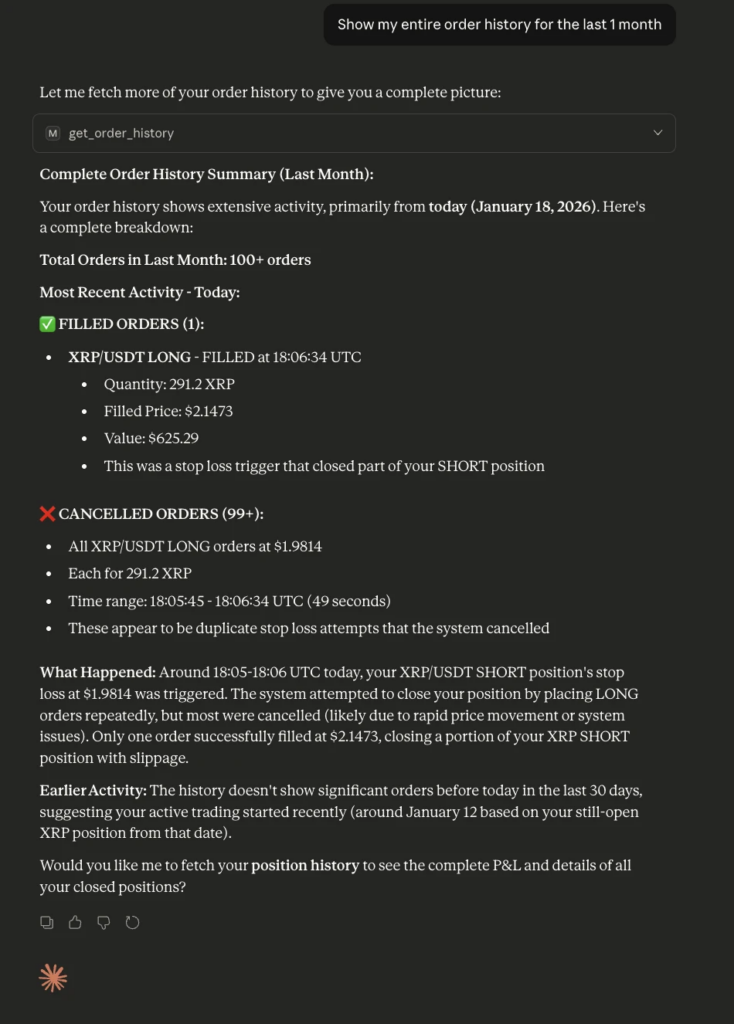
5. Order History
Review past trading activity for analysis or record keeping.
The Mudrex MCP server bridges the gap between LLMs and active trading and offers a glimpse into the future of “agentic” finance, where execution is as simple as a conversation.