Best GPUs for Crypto Mining (2025/2026): Best Graphics Cards + ROI Calculator (India)
Updated: December 2025 • Data refreshed daily
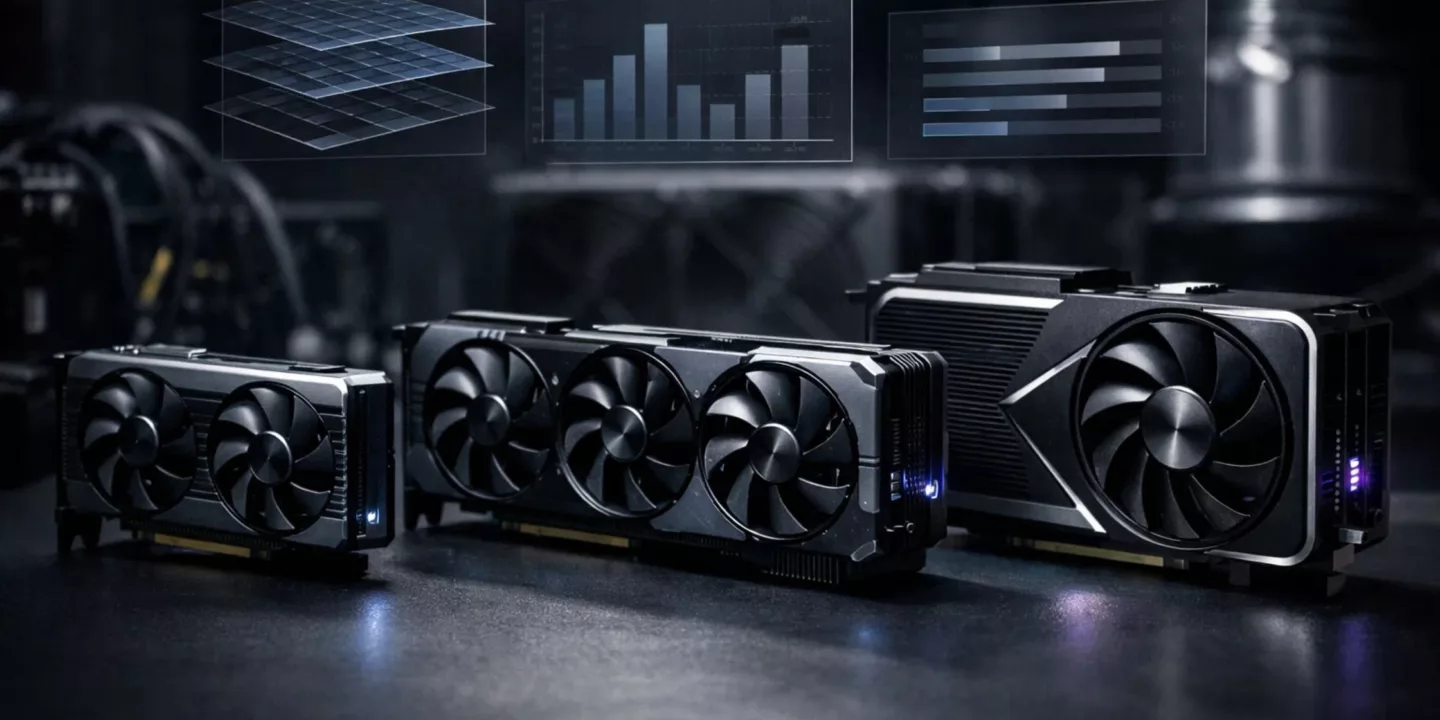
GPU mining in 2025 is very different from the early boom years. Profitability now depends less on raw power and more on electricity costs, efficiency, and realistic ROI expectations, especially in India. This guide explains which GPUs make sense today, how to evaluate mining returns, and how to choose the right graphics card based on your budget, power costs, and long-term goals.
Quick Answer: Which GPU is best for crypto mining?
Best overall GPU for mining: RTX 4090
It delivers the highest hashrate across most GPU-friendly algorithms and remains profitable even after power costs when properly undervolted.
Best budget GPU: RTX 3060 12GB
It offers a strong balance of price, efficiency, and flexibility, making it ideal for beginners in India.
Best efficiency pick: RTX 4070 Super
It provides excellent hash-per-watt performance, which is critical where electricity costs are high.
Top GPUs for Crypto Mining in India
GPU
Best for
Hashrate range
Power
Est. profit
Payback at ₹8/kWh
RTX 4090
Maximum profitability
120-130 MH/s
300-330W
₹450-650/day
14-18 months
RTX 4080 Super
High-end rigs
95-105 MH/s
260-280W
₹320-450/day
16-20 months
RX 7900 XTX
AMD-focused miners
90-100 MH/s
280-300W
₹300-420/day
15-19 months
RTX 4070 Super
Best efficiency
65-70 MH/s
180-200W
₹220-300/day
13-16 months
RTX 3060 12GB
Budget mining
45-50 MH/s
120-130W
₹140-200/day
10-14 months
Profit figures vary daily based on coin price, difficulty, and power cost.
Profitability and Payback Calculator Explained
Mining profitability should never be judged by hashrate alone. A proper GPU mining calculator evaluates both income and expenses.
Key inputs
Electricity cost (₹/kWh): Typical Indian rates range from ₹6 to ₹10
GPU price: New or used purchase cost
Coin or algorithm: GPU-friendly proof-of-work networks
Power limit or undervolt setting: Stock vs optimized
Key outputs
Daily and monthly profit in INR and USD
Break-even period in days
Efficiency is measured as hashrate per watt
A critical reminder is that profitability changes every day. Coin prices fluctuate, network difficulty adjusts, and rewards can drop suddenly. Any calculator should be used as a planning tool, not a guarantee.
Best GPUs by Mining Goal
Best overall GPU for mining profitability: RTX 4090
Verdict: The most powerful consumer GPU for mining, suitable for serious miners.
Pros
Industry-leading hashrate
Excellent efficiency when undervolted
Strong resale value
Cons
Very high upfront cost
Requires a high-quality PSU and cooling
Best use case: Professional miners or users with low electricity costs.
Best ROI GPU: RTX 4070 Super
Verdict: The fastest payback GPU for most Indian miners.
Pros
Outstanding efficiency
Lower heat output
Easier to power and cool
Cons
Lower peak hashrate than flagship GPUs
Limited scalability for large farms
Best use case: Home miners and first-time setups.
Best efficiency GPU: RTX 4070 Super
Electricity costs in India make efficiency critical. GPUs that generate more hashrate per watt stay profitable longer, even during market downturns.
Best budget GPU in India: RTX 3060 12GB
Verdict: Still one of the safest entry-level GPUs for mining.
Pros
Widely available in the Indian market
12GB VRAM supports future algorithms
Stable performance with simple tuning
Cons
Lower earnings ceiling
Older architecture
Best use case: Beginners and small-scale miners.
Best used-market GPU: RTX 3070
Used RTX 3070 cards are common in India and can offer strong value if purchased carefully. Buyers should inspect thermals, fan condition, and BIOS integrity before purchasing.
Best GPU for multi-GPU rigs: RTX 4080 Super
This GPU offers stable thermals, manageable power draw, and consistent performance, making it suitable for dense mining rigs.
AMD vs NVIDIA for Crypto Mining
Efficiency and tuning
NVIDIA GPUs generally undervolt more easily and deliver better efficiency with less manual tuning. AMD GPUs can perform well, but often require deeper optimization.
Driver stability
NVIDIA drivers are more beginner-friendly and stable across the operating systems commonly used for mining.
VRAM and memory bandwidth
AMD cards often provide higher memory bandwidth, while Nvidia cards tend to maintain long-term algorithm compatibility.
NVIDIA GPUs typically have better resale value, service support, and warranty handling in the Indian market.
How to Choose a Mining GPU
Hashrate by algorithm
Different coins reward different hardware characteristics. Always check the hashrate for the specific algorithm you plan to mine.
Power consumption
Electricity is the highest recurring cost. Even a powerful GPU can be unprofitable if it draws too much power.
Efficiency
Hashrate per watt is more important than raw hashrate in most scenarios.
VRAM requirements
A minimum of 8GB VRAM is recommended to remain compatible with future mining algorithms.
Thermals and cooling
Mining runs GPUs 24/7. Poor cooling accelerates fan wear and memory degradation.
PSU sizing
Always leave at least a 20 percent safety margin above your total system load.
Buying used GPUs
Check temperatures, fan noise, physical damage, and ensure the GPU BIOS has not been modified improperly.
GPU Mining Profitability in India: A Realistic Cost Model
Electricity rates
Low-cost areas: ₹6 per kWh
Average urban rates: ₹8 per kWh
High-cost areas: ₹10 per kWh
Example scenarios
At ₹6 per kWh, high-power GPUs like the RTX 4090 remain viable. At ₹10 per kWh, efficiency-focused GPUs outperform flagship models in ROI.
Hidden costs
Additional cooling and ventilation
Hardware downtime and maintenance
Mining pool fees
This is why advertised “profit without electricity” figures are misleading and should never guide purchasing decisions.
Bitcoin mining is dominated by ASIC miners, which are purpose-built machines far more efficient than GPUs. As a result, GPU mining Bitcoin is generally not profitable.
GPUs are better suited for ASIC-resistant or GPU-friendly coins. If someone insists on GPU Bitcoin mining, calculators will usually show near-zero or negative returns after electricity costs.
Beginner Guide: How to Start GPU Mining
Step 1: Hardware checklist
GPU, reliable PSU, motherboard, storage, and adequate cooling.
Step 2: Install drivers
Always use official GPU drivers to ensure stability.
Step 3: Choose mining software
Select software optimized for your chosen algorithm.
Step 4: Join a mining pool
Pool mining provides consistent payouts compared to solo mining.
Step 5: Configure a wallet
Use a secure wallet to receive mining rewards.
Step 6: Undervolt and power limit
Reducing power usage improves efficiency and extends GPU lifespan.
Step 7: Monitor temperatures
Maintain safe operating temperatures to avoid long-term damage.
Risks and GPU Lifespan
Is crypto mining bad for GPUs?
Mining itself is not inherently harmful, but excessive heat and poor maintenance can shorten GPU lifespan.
Safe mining practices
Keep core and memory temperatures under control
Clean dust regularly
Replace worn thermal pads and fans when needed
Warranty and resale
Well-maintained GPUs retain better resale value and are less likely to face warranty issues.
The best GPUs for crypto mining in 2025 are those that balance efficiency, realistic ROI, and long-term durability. For Indian miners, understanding electricity costs and choosing the right GPU matters more than chasing raw hashrate. With careful planning and proper tuning, GPU mining can still be a viable strategy through changing market cycles.
Explore more in-depth mining guides on Mudrex Learn and stay updated with practical tutorials and market insights by subscribing to the Mudrex YouTube channel.
FAQs
Which GPU is best for crypto mining?
The RTX 4090 offers the highest profitability, while the RTX 4070 Super delivers the best balance of efficiency and ROI for most miners.
Is AMD or Nvidia better for mining?
NVIDIA is generally easier to tune and resell, while AMD can offer strong performance for experienced miners.
Which GPU has the highest hashrate?
Among consumer GPUs, the RTX 4090 currently delivers the highest hashrate.
How much can an RTX 4090 mine?
Earnings depend on coin choice, electricity cost, and tuning. Daily profits vary and should be estimated using a mining calculator.
How long does it take to mine 1 Bitcoin with one GPU?
This framing is misleading because GPU mining Bitcoin is not economically viable due to ASIC dominance.
How can I increase my hashrate?
Optimizing memory clocks, power limits, and cooling can improve hashrate.
What PSU do I need for GPU mining?
Choose a PSU rated at least 20 percent higher than your total system power draw.
Siri is a writer venturing into the exciting realms of blockchain technology, cryptocurrency, and decentralized finance (DeFi), eager to explore the transformative potential of these innovations. She brings a unique perspective that bridges traditional industries and cutting-edge technology, often infused with a touch of humor through memes. She has a rich background in real estate and interior design, having previously contributed to NoBroker, where she crafted blogs and assets on these topics.