Withdrawing INR from your Mudrex account is quick and hassle-free. Follow this simple step-by-step guide to transfer your funds directly to your linked bank account.
Step 1: Open the Mudrex App
Launch the Mudrex app on your phone. On the home screen, tap “INR Funds.”

You can also access it through the Overview tab under Portfolio.
Step 2: Tap on Withdraw
Once you’re on the INR Funds page, look for the “Withdraw” option.

Tap “Withdraw” to proceed.
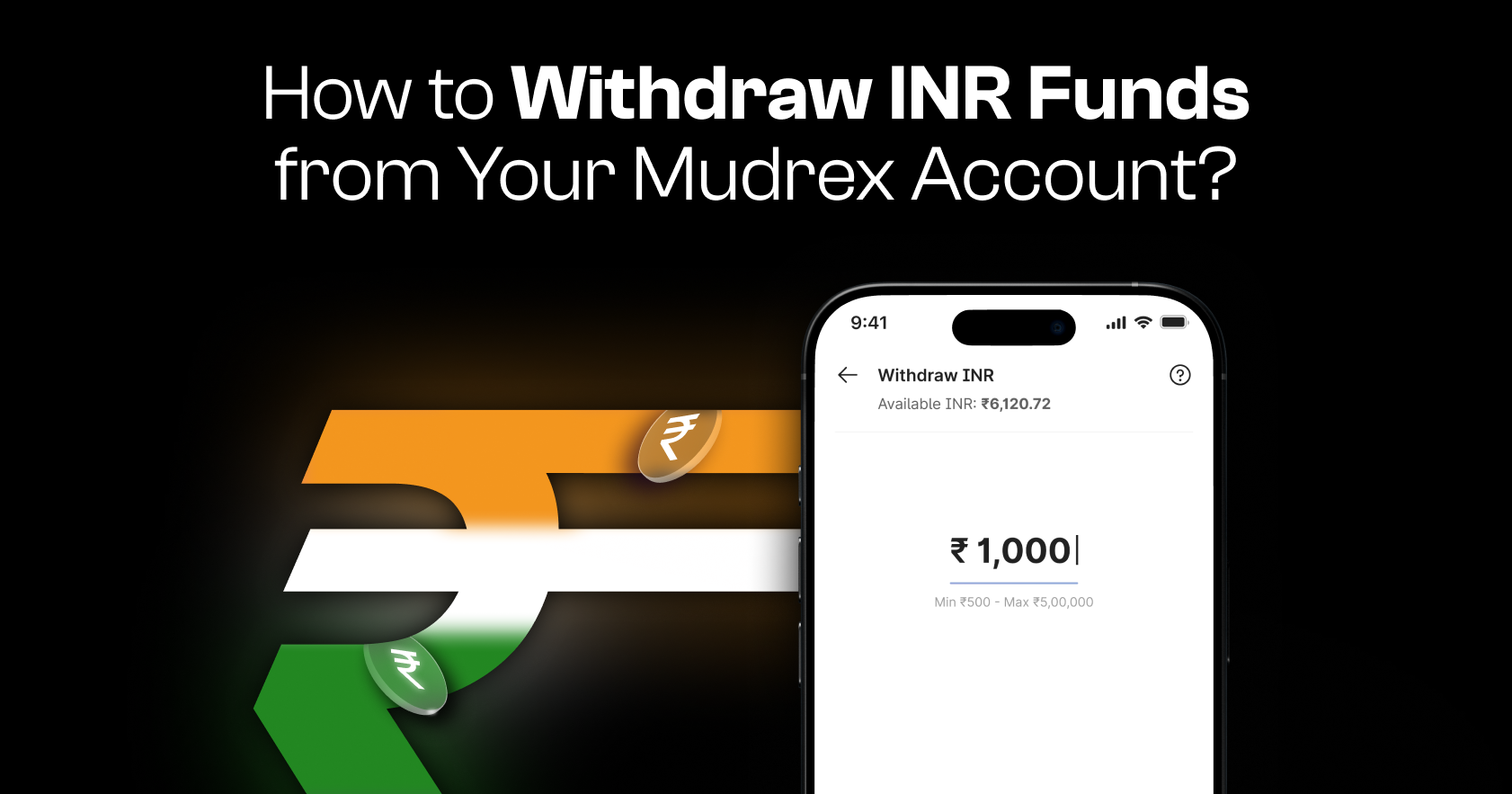
Step 3: Enter the Withdrawal Amount
Enter the amount of INR you want to withdraw from your account.
On this screen, you will also be able to view the details of your linked source bank account, where the funds will be credited.
Step 4: Verify Withdrawal via OTP
To confirm the transaction, Mudrex will send a one-time password (OTP) to your registered email address.
Enter the OTP in the verification field and tap “Continue” to initiate the withdrawal.
Step 5: Confirm Withdrawal Success
Once the withdrawal is processed successfully, you will see the INR Withdrawal Successful screen.
The withdrawn funds will be credited directly to your linked bank account.
We’re here to help!
If you have any questions or face any issues during the withdrawal process, reach out to the Mudrex support team at help@mudrex.com.