Adding INR to your Mudrex account via IMPS is simple and secure. Follow this step-by-step guide to complete your deposit successfully.
Step 1: Open the Mudrex App
Launch the Mudrex app. On the home screen, tap “Add INR.”

Step 2: Enter the Deposit Amount
Enter the amount of INR you wish to deposit.

Once you’ve entered the amount, tap “Continue to Pay.”
Step 3: Select IMPS as the Payment Method
On the payment methods screen, you will see multiple options, including:
- PhonePe
- Google Pay
- Paytm
- NEFT / RTGS
- IMPS
Tap “IMPS Transfer” and then select Continue.

Step 4: Verify Your Registered Bank Account
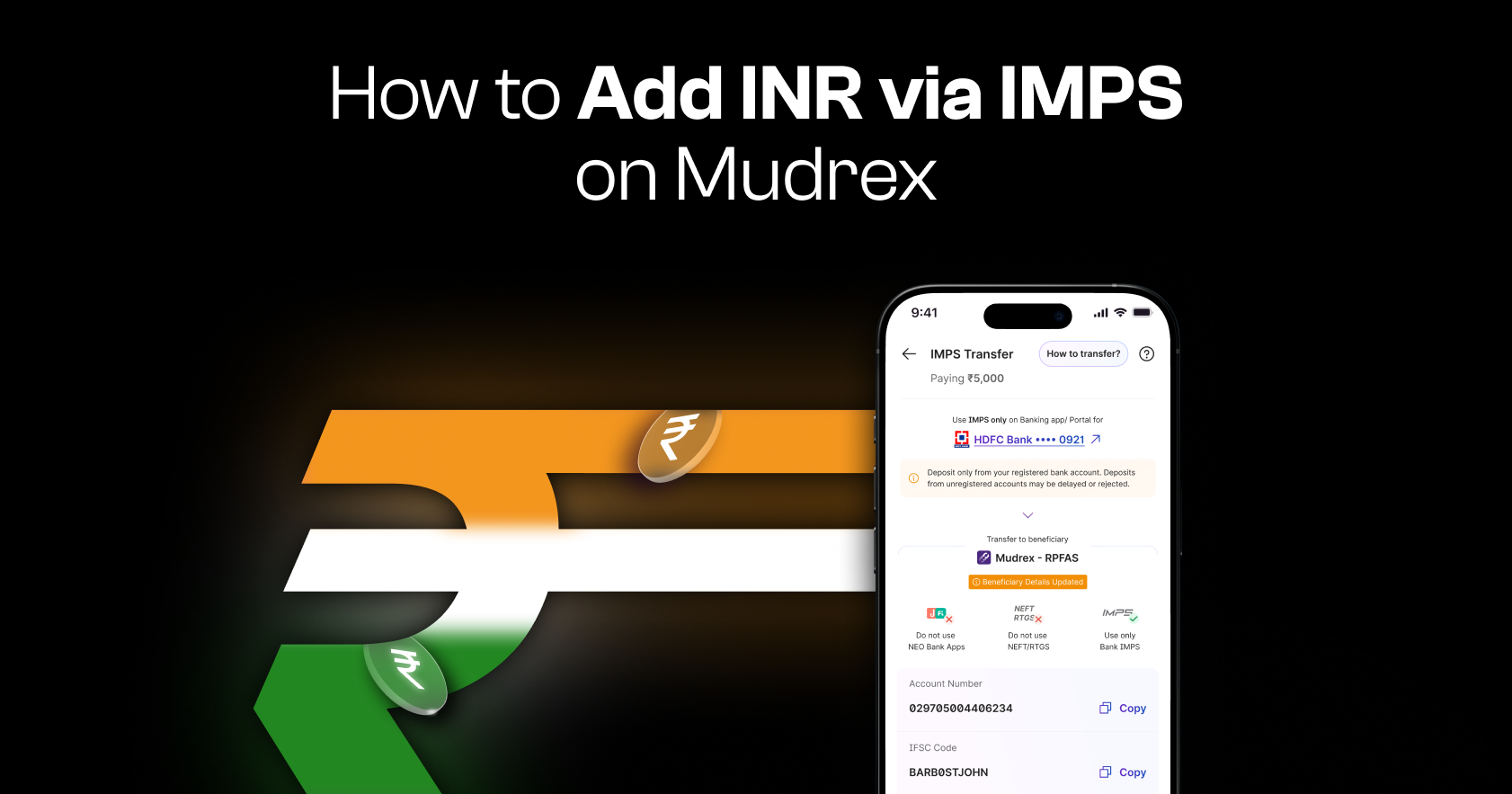
On the next screen, you will see your registered bank account details at the top.
Important: Please ensure that the deposit is made only from this registered bank account. Funds transferred from any other bank account will not be processed and will be refunded within 7–14 working days.
Step 5: Complete the IMPS Transfer
On the same page, you will see the Mudrex beneficiary details.

Copy these details into your banking app and complete the IMPS transfer from your account.
Make sure to transfer the exact same amount you entered in the previous step.
Step 6: Enter the UTR / Transaction Reference Number
Once the transfer is completed from your banking app, return to Mudrex.
Tap “Enter UTR / Transaction Reference.”
In the pop-up screen, enter the transaction reference number (UTR) from your IMPS transfer and confirm.
Your deposit will be processed and confirmed within 12-24 hours.
Step 7: Confirm Successful Deposit
Once the payment is successfully processed, you will see the INR Deposit Successful screen.
The deposited funds will be credited directly to your Mudrex account.
Start Trading on Mudrex!
Your INR balance is now ready to use.
You can start trading your favourite cryptocurrencies on Mudrex.
Need Help?
If you have any questions about adding INR funds, contact the support team at help@mudrex.com